Your Marketing Resource Hub:Free Tools & Templates for Busy Entrepreneurs
Welcome! You’re here because you’re tired of guessing what to post, right?
Here’s the deal: PYTalkBiz is where overwhelmed business owners come to stop posting blindly and start posting strategically.
I’m P.Y., and after 40+ years in business and 2+ years deep in ChatGPT and content marketing, I’ve learned what actually works and what’s just noise.
This hub is packed with the tools, templates, and frameworks that help you get clear on your message BEFORE you hit publish.
What you’ll find: Free viral hooks, ChatGPT secret codes, content planning checklists, and swipeable strategies you can use today.
Everything here is built for busy entrepreneurs who need practical solutions, not more theory.
Whether you clicked for ChatGPT prompts or social media hooks, grab what you need and finally post with confidence.
READY???
Let’s start from the beginning with hooks—because if your beginning line doesn’t stop the scroll, nothing else you write matters.
50 Killer Viral Social Media Hooks
Click the Download Button Below
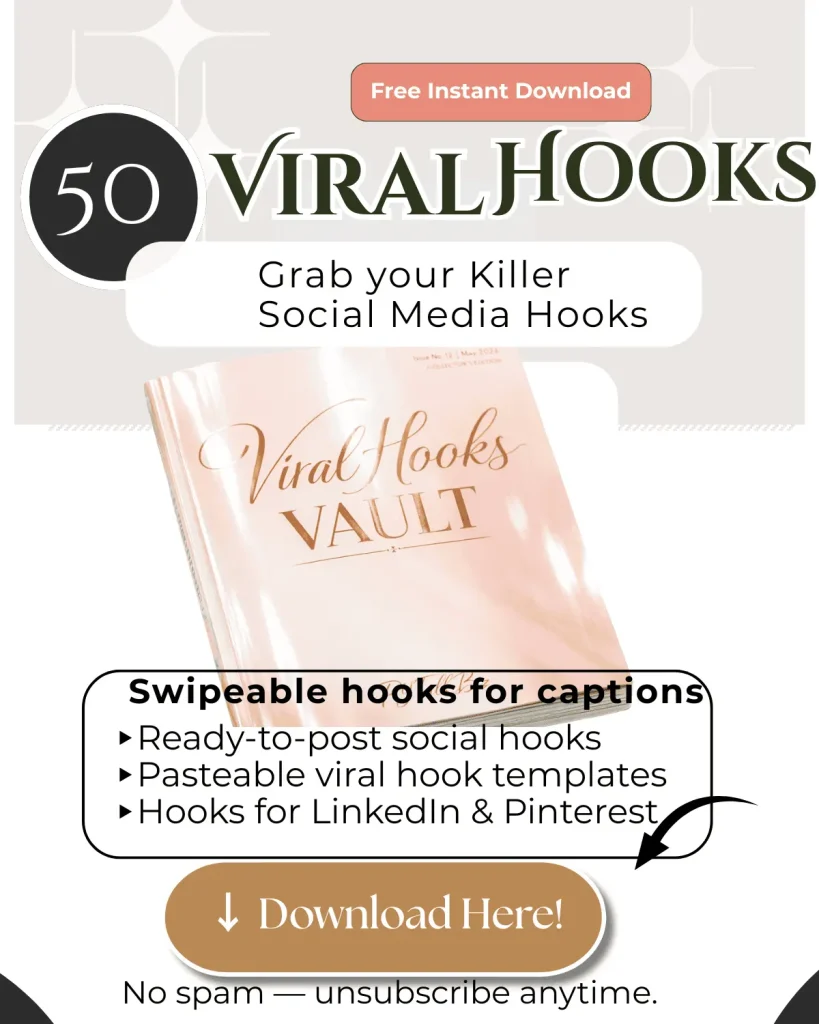
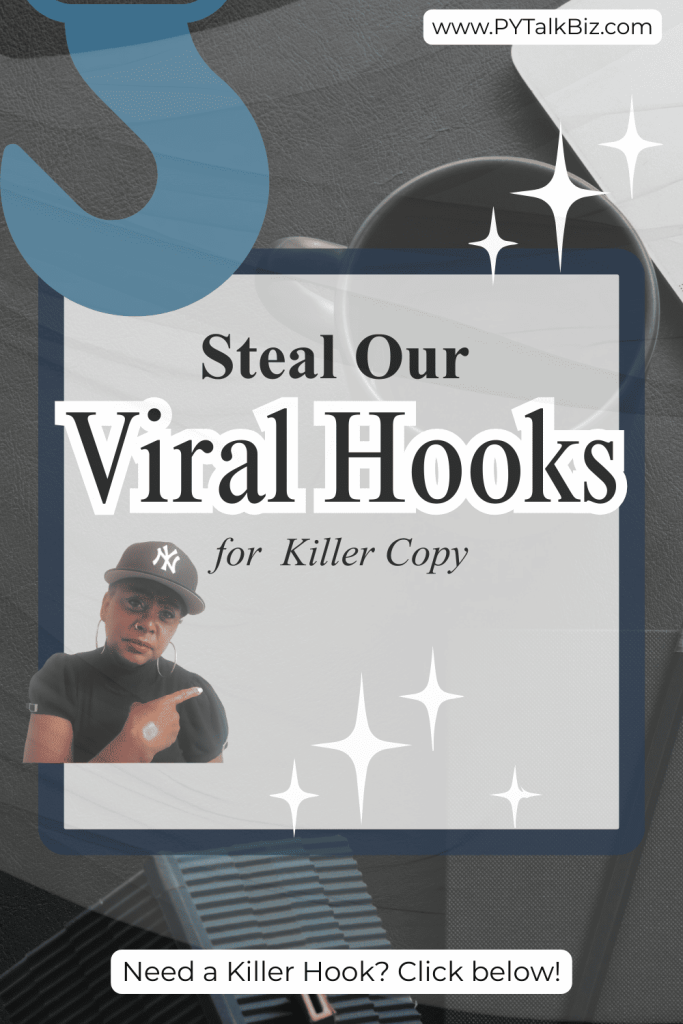
I spent 7+ hours curating these 50 Viral Hooks from content with millions of views, just so you can replicate their success.
I keep my list handy and use it daily.
They’re easy to replicate; you can tweak, twist, and repeat, it works for any niche.👈
Click the download button and grab our 50 data-proven Viral Hooks you can use to stop the scroll.
LinkedIn Content Ideas for Busy Business Owners: Viral Hooks & Post Planning

Guess what! …. you’re in the right place if you need LinkedIn Content ideas that actually work.
If you feel overwhelmed by tech and short on time, this page is built for YOU.
You’ll leave with simple frameworks, swipeable templates, and a free checklist that tells you whether a post is ready to perform.
Why This Should Be Your Priority Right Now 🎯

↳ LinkedIn Content ideas that are strategic turn expertise into business opportunities.
↳ Strategic creators can draft a high-performing post in 15 minutes and get 1,200+ views.
↳ Meanwhile, many business owners still spend 3+ hours on a single post and get 47 views.
That gap isn’t luck — it’s structure, hooks, and clarity.
If you want to stop guessing and start posting with confidence, you’re in the right place.
What You’ll Find Here 💡
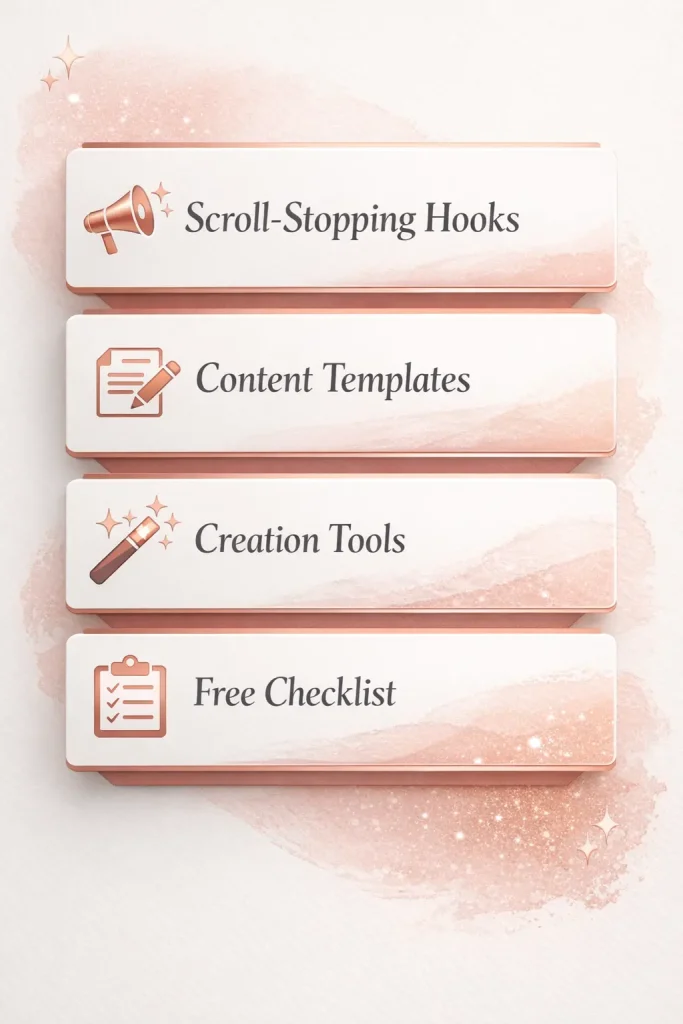
✅ You’ll get clear, repeatable systems so you never stare at a blank screen again.
✅ You’ll learn scroll-stopping Social Media Hooks and Viral Hook ideas that work on LinkedIn and Pinterest.
✅ You’ll get Content Creation tools and templates you can customize in minutes.
✅ You’ll access a free Pre-Post Planning Checklist that scores your posts so you can publish with certainty.
Fast Wins — Posts That Take Under 30 Minutes ⏱️
Start with any one of these and turn it into your next LinkedIn post.
↳Use a scroll-stopping hook,
↳then add the “Zig-Zag” story structure,
↳and end with one clear next step.
Do this consistently and you’ll notice two things quickly.
→First: Your content gets saved and shared more often.
→Second: You’ll get in front of the right people because your posts keep people reading longer.
How Our System Gets Results 📊
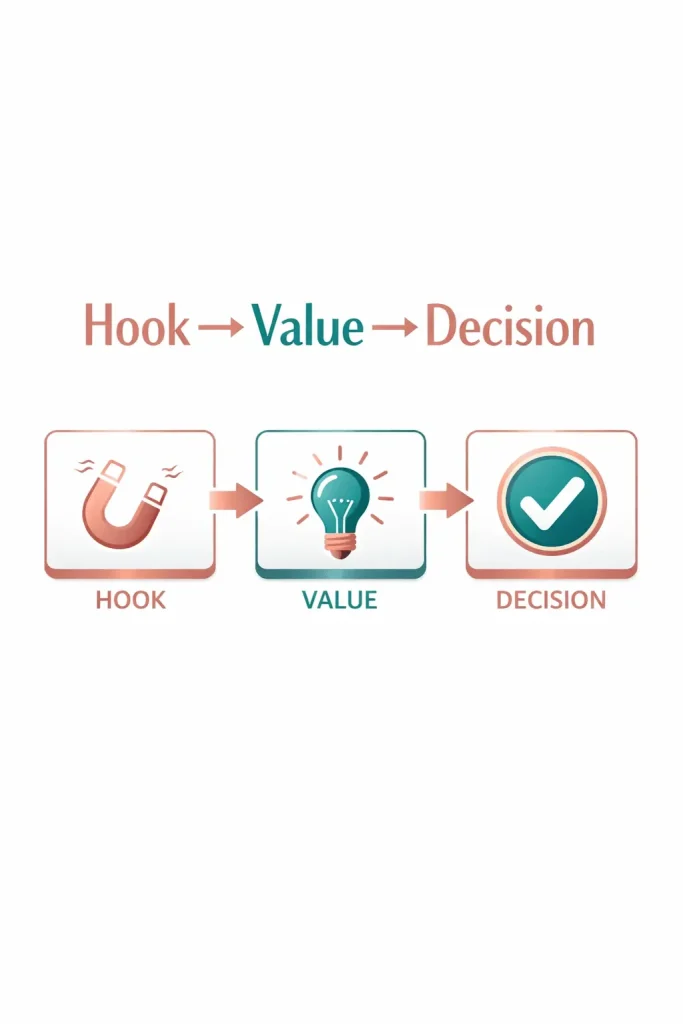
We break content into three repeatable parts:
Every post template includes a fill-in-the-blank prompt you can use in Canva or with AI.
This reduces guesswork and makes content creation scalable for business owners who hate tech.
The Post Perfect LinkedIn Edition shows the anatomy of viral posts, then gives you a Decision Matrix to pick the right structure quickly.

→ Strategic creators who use templates get 25x More Views than creators who GUESS.
→ Our students routinely go from inconsistency to a reliable pipeline of DMs and discovery calls inside 30 days.
→ Those are the outcomes you should expect when you use structured content frameworks.
Free Pre-Post Planning Checklist — What’s Inside 📋
The checklist is a scoring system — not fluff.
It helps you decide if a post is ready to attract customers, not looky-loos.
Inside you’ll find sections on:
→ Audience clarity
→ Unique positioning
→ Post structure
→ Hooks
→ Formatting
→ Timing
→ Confidence checks
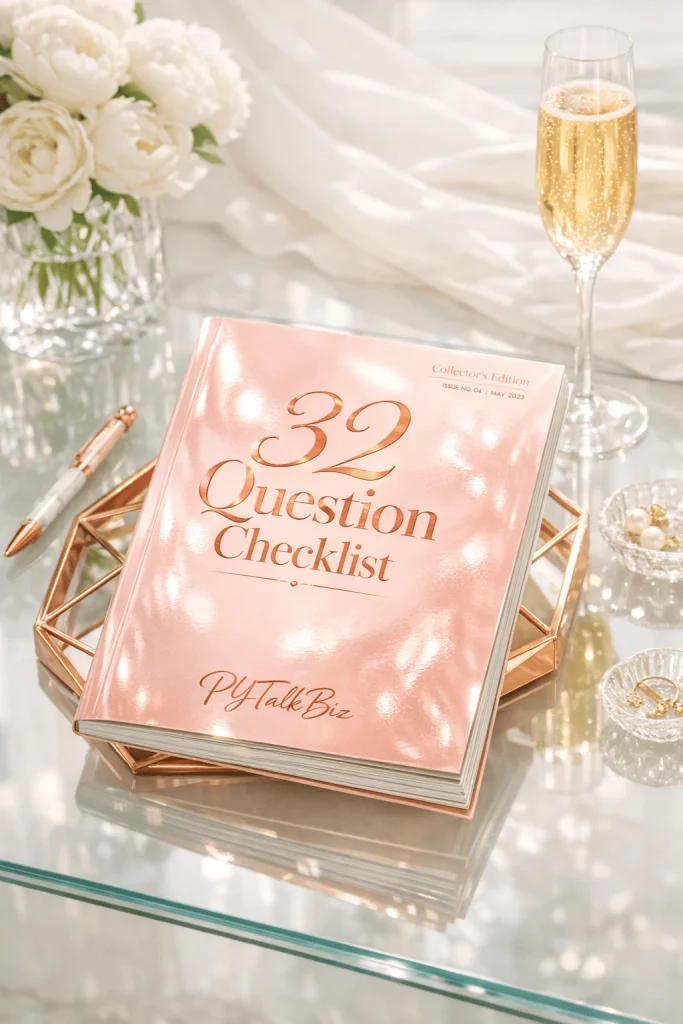
Aim for 28+ checkmarks before you publish to post with clarity.
Who This Is For 👔

→ You’re a seasoned professional who wants to show up on LinkedIn without wasting hours.
→ You’re a coach, consultant, or service provider who wants to convert expertise into leads.
→ You’re comfortable with simple tools and want templates that you can customize quickly.
If that sounds like you, these strategies will change the way you POST.
📍 Choose Your Next Step
↳ Download the free Pre-Post Planning Checklist.
↳ Preview the Post Perfect LinkedIn Edition and pick a template.
↳ Follow us on Pinterest for image-first versions of these frameworks.
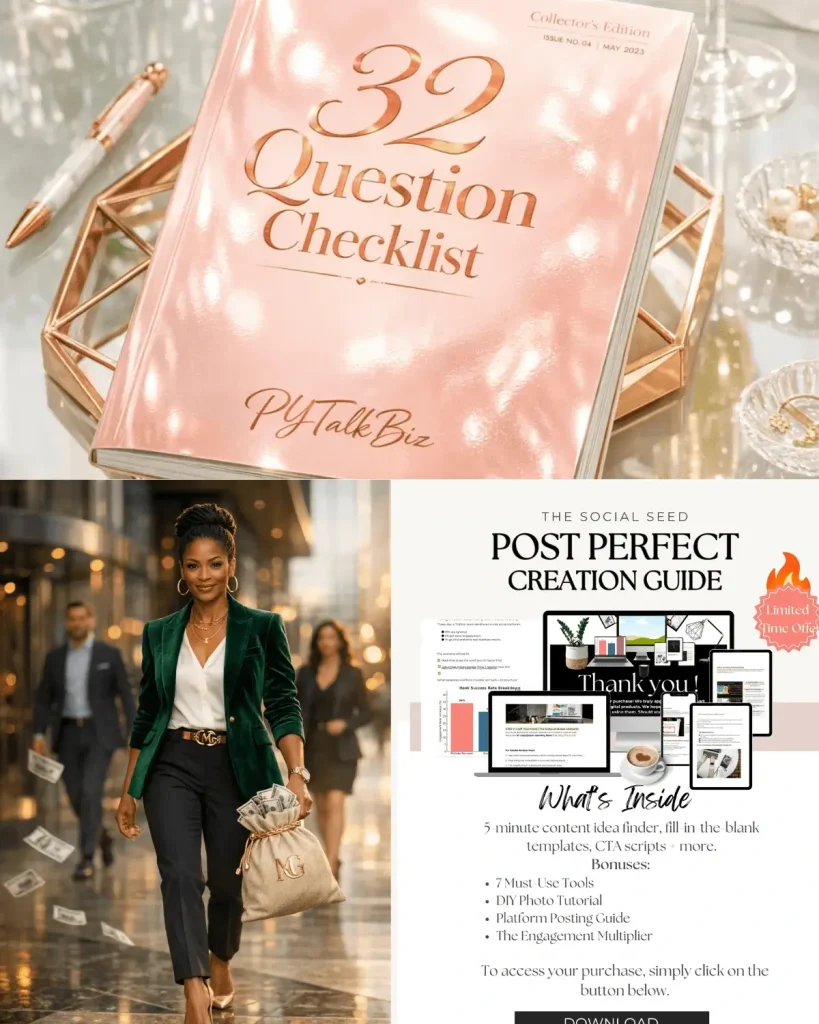
How Post Perfect Helps You Scale 💼

→Post Perfect gives you the exact post anatomy and swipe files so you can stop guessing and start posting.
→Open the Decision Matrix to pick the right post in seconds.
→Use the fill-in-the-blank Canva templates to publish in less than a minute.
It’s designed for busy business owners who need content strategies that actually convert.
Tools, Prompts & Advanced Content Creation 🛠️
▸We include AI prompts that turn your expertise into authentic copy.
▸We also cover Tools for Content Creation for beginners — from quick recording hacks to the best free editing tools.
▸If you want Viral Hook ideas for video, LinkedIn, or Pinterest, those are bundled into the templates.
Frequently Asked Questions ❓
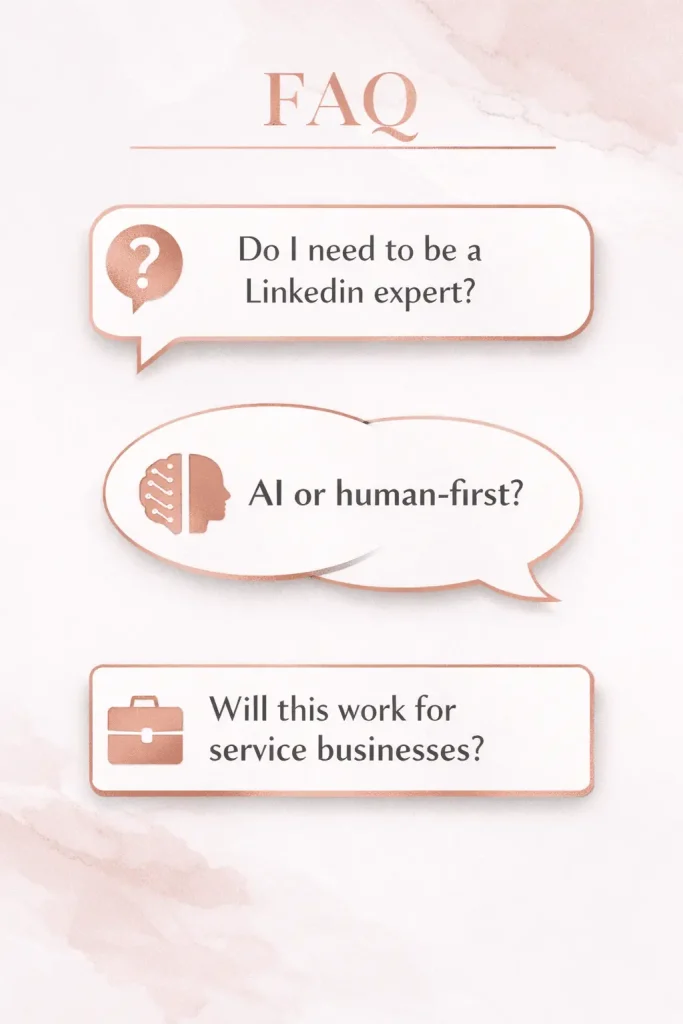
Q: Do I need to be an expert at LinkedIn?
A: No. These strategies are designed to help beginners and seasoned pros alike.
Q: Are these templates AI-only or human-first?
A: Both. AI writes the first draft; you add your voice. The system teaches structure, not replacement.
Q: Will these work for service-based businesses?
Example Post Structure That Works 📝
↳Start with a negative social media hook to get attention.
↳Follow with one short story or example that proves the problem is real.
↳Share one specific tip that’s actionable right away.
↳Finish with a simple question or soft CTA to invite conversation.
Ready to Get Started? 🎉
Download the free Pre-Post Planning Checklist now and see which posts are ready to perform.
Click the download button below for instant access — it’s free today.
Follow, Connect & Join the Community 💬

Follow our Pinterest boards for image-first versions of these post frameworks. 📌 Follow Us on Pinterest:
Connect with me on LinkedIn for daily content prompts, live demos, and behind-the-scenes strategies. Follow us on LinkedIn:
Final Thoughts 💭
If you take away one thing, it’s this — the right structure and frameworks beat frantic posting every time.
Use the checklist, choose a template, and post with confidence.
Your audience is out there; you just need a plan and simple tools to reach them.
P.S. This is where LinkedIn Content ideas stop being vague and start producing real results.

Thanks for stopping by!
Stay plugged in – because everything we share here is designed to help you grow your business more efficiently using AI, automation, and smart strategies. No fluff, no outdated tactics. Just real solutions that give you your time back.
Cheers,
PY