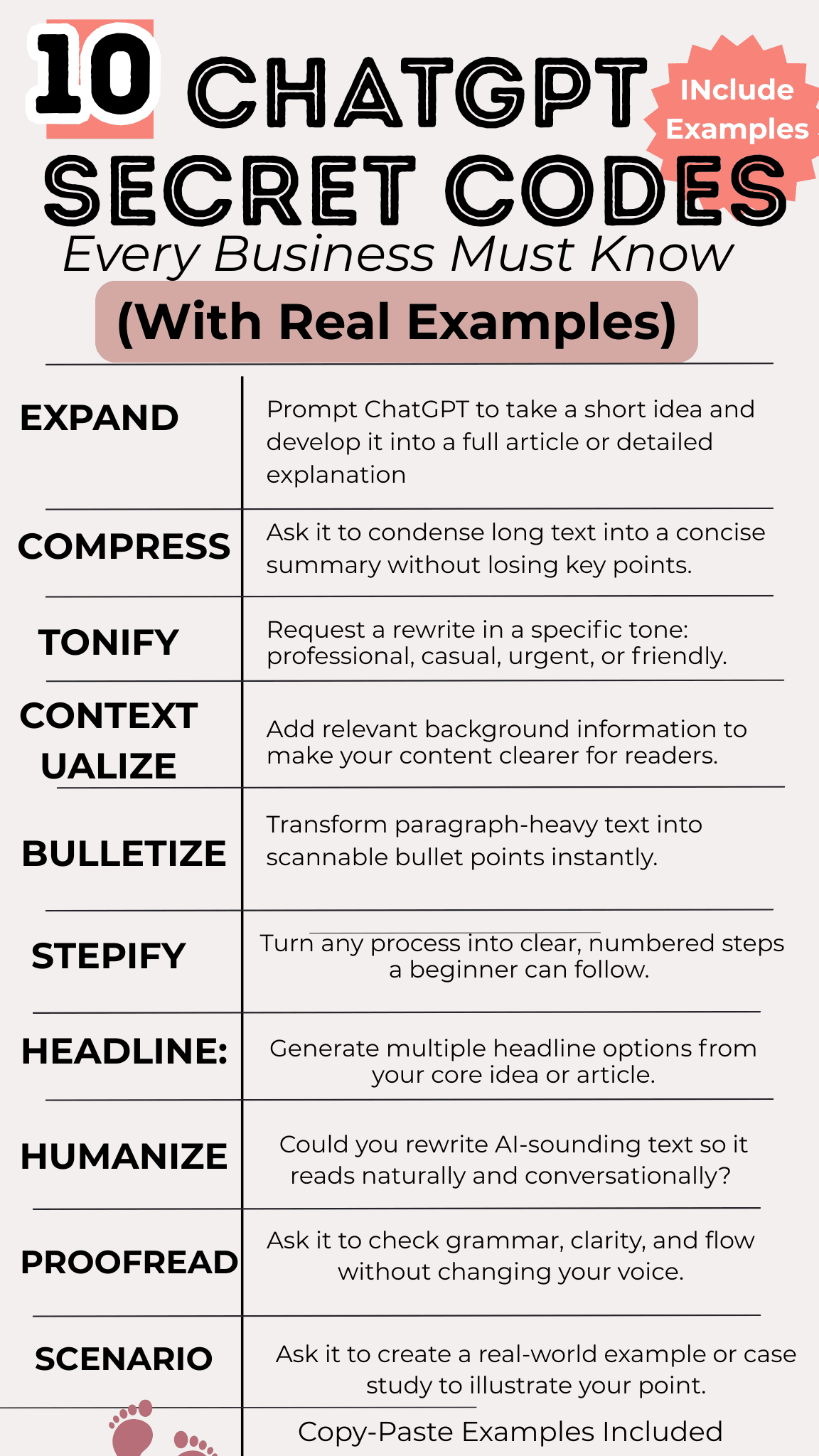
These ChatGPT secret codes will stop the hallucinations, cut your editing time in half, and give you ACTUAL usable content.

We've included real examples and why each code matters.

Here's the truth: I was spending 4 HOURS on ONE blog post. Even after 2+ years of using ChatGPT.

Why? ChatGPT was hallucinating. (No drugs involved—just bad prompts.)

And I'm not alone. Research shows 73% of content creators spend 3+ hours editing AI-generated content.

That ends today.

Let’s Tame ChatGPT. Stop wasting time. Leave that struggle for your competitors.

Let's dive in.
Chatgpt Secret Codes that ONLY the Pros Knew and How to Use Them!

 🧠 Chatgpt SECRET CODE #1: HALLUCINATIONS

What It Means: When ChatGPT confidently makes up facts, statistics, or information that sounds completely real but is actually false.

It's not lying on purpose—it's filling in gaps with plausible-sounding content.

Why It Matters: You could share completely false information to your audience without realizing it.

One made-up statistic in your blog post or social media content can destroy your credibility instantly. Your audience trusts you—don't let AI ruin that.

The Fix (Your Secret Code):
"Only provide information you're certain is accurate.
If you're unsure or don't have reliable data, say
'I don't have verified information on this' instead
of guessing. No hallucinations."

Real Example:
❌ Bad Prompt: "Give me the latest Instagram engagement statistics for 2024"
✅ Good Prompt: "Give me Instagram engagement statistics for 2024. Only cite numbers you're confident about.

If you don't have verified data,  tell me you don't have it instead of making up statistics."

Bonus Tip: Always fact-check any statistics, dates, or specific claims ChatGPT gives you before publishing.


🚧 SECRET CODE #2: GUARDRAILS

What It Means: Setting clear boundaries, rules, and constraints on ChatGPT's responses so it stays focused on exactly what you need—nothing more, nothing less.

Why It Matters: Without guardrails, ChatGPT writes novels when you need sentences.

It adds unnecessary fluff, explanations you didn't ask for, and forces you to spend 10 minutes editing down a 2-minute task.

Guardrails save you time and get you usable content immediately.

The Fix (Your Secret Code):
"Keep your response to [X] sentences max.
No explanations, no extras, no preamble,
just the answer."

Real Example:
❌ Bad Prompt: "Write a LinkedIn caption about productivity tips"
✅ Good Prompt: "Write a LinkedIn caption about productivity tips. Maximum 3 sentences. No hashtags, no emojis, no sign-off. Just the caption."

Advanced Version:
"Response constraints:
- Maximum 2 sentences
- Conversational tone only
- No preamble or conclusion
- Give me the content, nothing else


🌡️ SECRET CODE #3: TEMPERATURE

What It Means: Temperature controls how creative vs. predictable ChatGPT's responses are. High temperature (closer to 1.0) = wild, creative, unpredictable.

Low temperature (closer to 0) = safe, consistent, factual. (Note: You can't directly set this in ChatGPT interface, but you can influence it with your prompts.)

Why It Matters: If you're writing creative content and getting boring, generic responses, your "temperature" is too low.

If you're asking for facts and getting weird, off-brand content, it's too high. Understanding this helps you adjust your prompts to get the right tone.

The Fix (Your Secret Code):
For Creative Content:
"Be creative and original. Don't give me generic
or safe responses. Take risks with language and ideas."

For Factual Content:
"Be straightforward and factual. No creative flourishes,
just clear, accurate information."

Real Example:
❌ Bad Prompt (for creative content): "Write a social media post about coffee"
✅ Good Prompt: "Write a social media post about coffee. Be creative and unexpected—no clichés about 'Monday mornings' or 'fuel for the day.' Give me something people haven't seen before.

Wait—before you move on to the next cheat code.

I wanted to share something that changed my content creation. Posts that would normally get 15 views? Now getting 1,000s.

It's a simple tweak, but it'll save you from wasting time posting the wrong content to the wrong person.

Our Pre-Post Planner helps you identify what to say and who to say it TO before you post.

 It's a 32-question scorecard—meet the requirements, post it. Fall short? Make those corrections, THEN post. Perfect post every time.
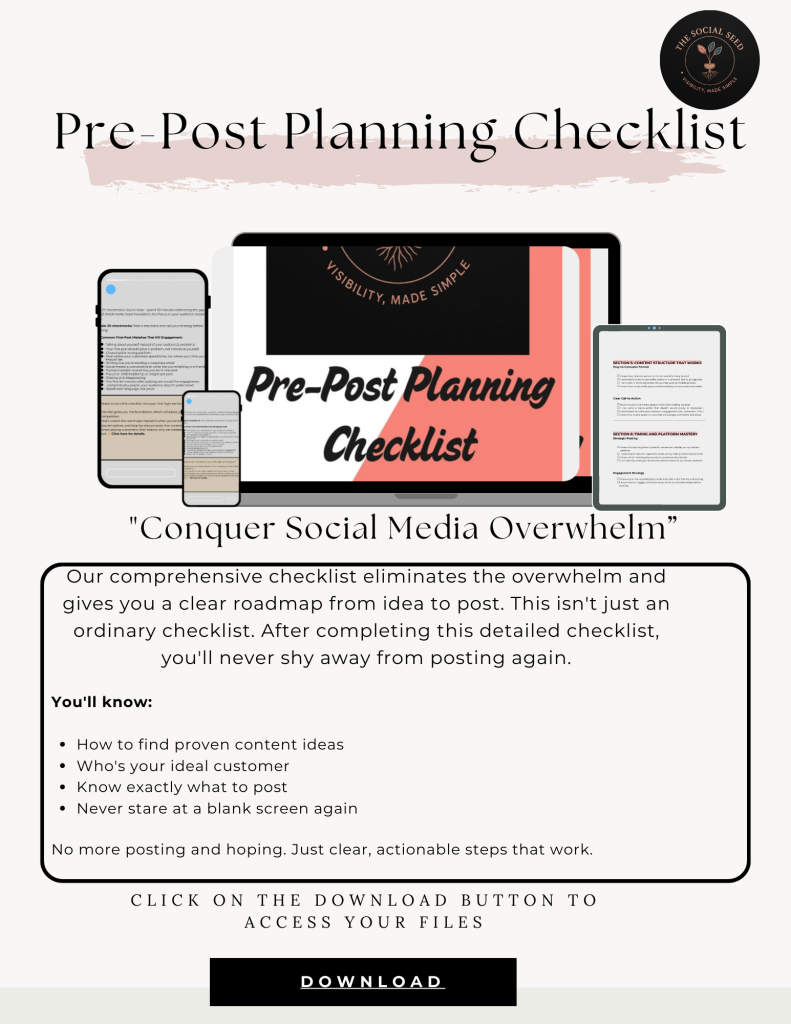
📋 PRE-POST PLANNING CHECKLIST
Stop posting blindly.
This checklist tells you if your content is ready to perform before you waste time creating it.
👈 Get it free
🧩 SECRET CODE #4: TOKENS
What It Means: Tokens are how ChatGPT measures and counts text.
One token ≈ 4 characters or ¾ of a word. ChatGPT has a token limit per conversation (context window), which is why it sometimes cuts off mid-sentence or "forgets" earlier parts of long chats.
Why It Matters: When you ask for a "comprehensive guide" and it stops abruptly halfway through, you're hitting the token limit.
Understanding tokens helps you break big requests into smaller, manageable chunks that actually complete.
The Fix (Your Secret Code):
"Break this into [X] parts. Give me Part 1 first, then wait for me to ask for Part 2."
OR:
"Keep your total response under 500 words to avoid
cutting off mid-thought."
Real Example:
❌ Bad Prompt: "Write a complete email sequence for my course launch with 10 emails"
✅ Good Prompt: "I need a 10-email sequence for my course launch. Break it into 2 parts: Emails 1-5 first, then I'll ask for 6-10. Start with Part 1."
Pro Tip: If ChatGPT stops mid-sentence, just type "continue" and it'll pick up where it left off.
💾 SECRET CODE #5: CONTEXT WINDOW
What It Means: The context window is ChatGPT's "memory" for your current conversation. It can only "remember" a certain amount of previous messages.
Once you exceed that limit, it starts forgetting what you discussed earlier in the same chat.
Why It Matters: Ever noticed ChatGPT contradicting something it said 20 messages ago? Or asking you to repeat information you already gave?
That's the context window limit. Long conversations become less reliable as older messages fall out of memory.
The Fix (Your Secret Code):
"Remember this context for all responses in this chat:
[key information]. Confirm you've saved this before we continue." OR start fresh:
[Start a new chat when tackling a new topic instead of continuing a 50-message thread]
Real Example:
❌ Bad Approach: Using the same chat for 3 hours, covering 10 different topics, expecting it to remember everything.
✅ Good Approach: "Remember: I'm a business coach targeting overwhelmed entrepreneurs.
My brand voice is warm, strategic, and conversational. All responses should reflect this.
Confirm you've got this context."
Then continue your requests in that chat.
Pro Tip: For complex projects, start fresh chats for each major topic/deliverable.
 ⛓️ SECRET CODE #6: PROMPT CHAINING
What It Means: Breaking one big, complex task into smaller, sequential prompts that build on each other.
Instead of asking for everything at once, you guide ChatGPT through steps, using each output as input for the next prompt.
Why It Matters: One massive prompt = overwhelming, generic output. Sequential prompts = focused, high-quality results at each stage.
It's the difference between "write me a business plan" (disaster) and a step-by-step process that actually works.
The Fix (Your Secret Code):
Chain Structure:
Prompt 1: Research/brainstorm phase
Prompt 2: Use output from #1 to create framework
Prompt 3: Use framework to draft content
Prompt 4: Refine and polish
Real Example:
❌ Bad Prompt (one massive ask): "Create a complete content marketing strategy for my coaching business including audience research, content ideas, posting schedule, and captions"
✅ Good Prompt Chain:
Prompt 1: "Help me identify 3 specific pain points my ideal client (overwhelmed small business owners) experiences with content creation."
Prompt 2: "Based on these pain points: [paste AI's response], generate 10 content topic ideas that address each one."
Prompt 3: "Take these 10 topics: [paste list] and create a 30-day posting calendar with one topic per day, organized strategically."
Prompt 4: "Using Day 1 from this calendar: [paste], write 3 caption variations I can test."
⛓️ SECRET CODE #6: PROMPT CHAINING
What It Means: Breaking one big, complex task into smaller, sequential prompts that build on each other.
Instead of asking for everything at once, you guide ChatGPT through steps, using each output as input for the next prompt.
Why It Matters: One massive prompt = overwhelming, generic output. Sequential prompts = focused, high-quality results at each stage.
It's the difference between "write me a business plan" (disaster) and a step-by-step process that actually works.
The Fix (Your Secret Code):
Chain Structure:
Prompt 1: Research/brainstorm phase
Prompt 2: Use output from #1 to create framework
Prompt 3: Use framework to draft content
Prompt 4: Refine and polish
Real Example:
❌ Bad Prompt (one massive ask): "Create a complete content marketing strategy for my coaching business including audience research, content ideas, posting schedule, and captions"
✅ Good Prompt Chain:
Prompt 1: "Help me identify 3 specific pain points my ideal client (overwhelmed small business owners) experiences with content creation."
Prompt 2: "Based on these pain points: [paste AI's response], generate 10 content topic ideas that address each one."
Prompt 3: "Take these 10 topics: [paste list] and create a 30-day posting calendar with one topic per day, organized strategically."
Prompt 4: "Using Day 1 from this calendar: [paste], write 3 caption variations I can test."
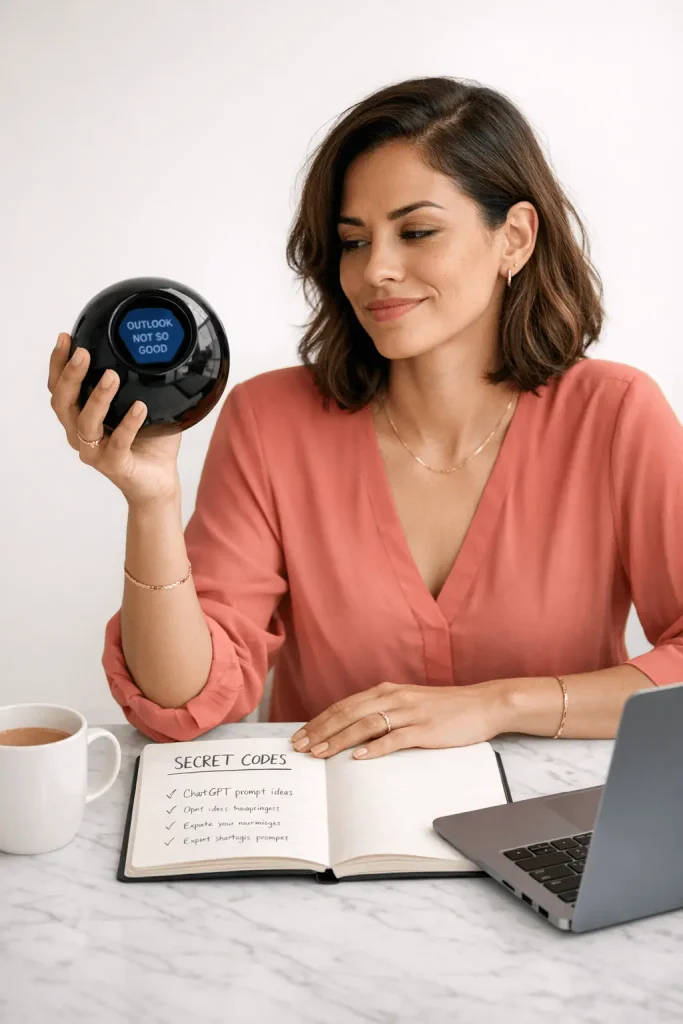
If you're salivating like I was when I first uncovered these gems, then you know what you know. Because Chat isn't a magic 8-ball, you have to come to the party with some knowledge.

Here's the next major element to getting more views and engagement: the golden first 3 seconds. Seriously, this is everything.

This changed everything for me. I posted the same content, changed the hooks, and BAM ⚡seriously, they made the biggest difference.

That's exactly why I spent 7+ hours curating hooks that got millions of views. Yep, you get them for FREE today. Click the link below.👇

And drop me a comment on Pinterest and let us know how it works.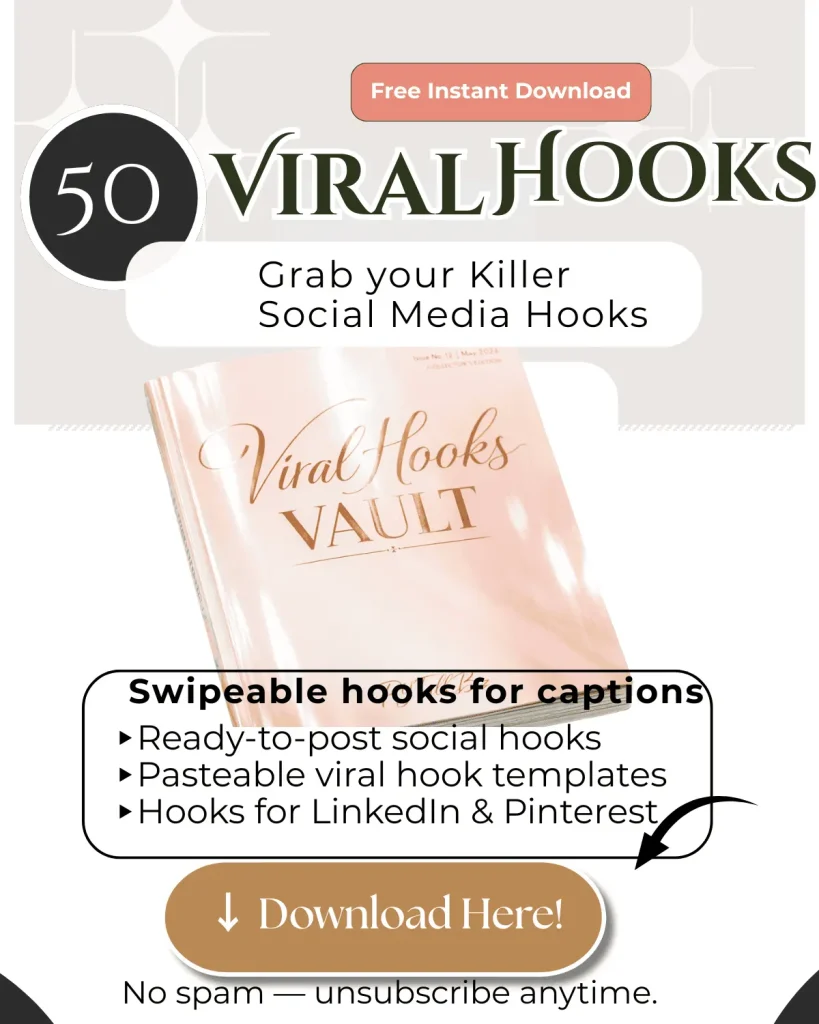
🔥 50 VIRAL HOOK TEMPLATES
The exact opening lines that make people STOP scrolling and actually read your content.
👈 Get all 50 hooks free
🎯 SECRET CODE #7: FEW-SHOT PROMPTING
What It Means: Giving ChatGPT 2-3 examples of exactly what you want BEFORE asking it to create something new.

 "Show, don't tell" for AI. The examples teach it your style, format, and expectations.

Why It Matters: Generic prompts get generic results. Examples get YOUR results.

This is how you get ChatGPT to sound like you, match your brand voice, and create content that doesn't scream "this was written by AI."

The Fix (Your Secret Code):
"Here are 3 examples of my style:

[Example 1]
[Example 2]
[Example 3]

Now create [X] using this same tone, structure,
and approach."

Real Example:
❌ Bad Prompt (zero-shot): "Write me 5 LinkedIn posts about productivity"
✅ Good Prompt (few-shot): "Here are 3 examples of my LinkedIn style:

Example 1: 'Everyone talks about time management. Nobody talks about energy management. Here's the difference: Time is fixed. Energy is renewable. Manage your energy first, and time takes care of itself.'

Example 2: 'Your calendar isn't the problem. Your priorities are. Block time for what matters, not what's urgent.'

Example 3: 'Productivity isn't doing more. It's doing what moves the needle, then stopping.'

Notice: Short sentences. Direct statements. No fluff. Pattern interrupt at the start.
Now write 5 more posts about focus and deep work in this exact style."

Pro Tip: The better your examples, the better the output. Use your best-performing content as teaching material.

⚙️ SECRET CODE #8: SYSTEM PROMPTS
What It Means: Telling ChatGPT what role to play, what perspective to take, or what expertise to embody for the entire conversation.

It's like hiring a specialist instead of a generalist—you get more relevant, on-point responses.

Why It Matters: "Act as a..." prompts transform generic AI into a focused expert. Instead of getting surface-level advice, you get responses from a specific lens: marketing strategist, skeptical client, brand consultant, etc.

The Fix (Your Secret Code):
"Act as a [specific role] with expertise in [domain].
Approach all my questions from this perspective.

Your responses should reflect [specific qualities]."

Real Example:
❌ Bad Prompt: "How should I price my coaching services?"
✅ Good Prompt: "Act as a pricing strategist for premium coaching businesses. You've helped 100+ coaches move from hourly pricing to value-based packages.

Approach this from a positioning and profitability lens, not a 'market research' lens.

Question: How should I price my coaching services?"
Multiple Role Variations:

For Content Feedback: "Act as my ideal client—a skeptical, overwhelmed small business owner who's been burned by marketing advice before.

Read this email and tell me where you'd stop reading or stop trusting me."

For Strategy: "Act as a business strategist who thinks in systems, not tactics. Help me build a content engine, not a content calendar."

For Editing: "Act as a ruthless editor. Cut anything that doesn't serve the main point. No fluff, no niceties."

Here's the reality with small business owners: we wear many hats, and there's only so many hours in a day. We talked about codes, hooks, and the benefits.

But the reality is the reality, if you don't have another minute in your day, NO Worries, we got you too!

DONE-FOR-YOU-CONTENT TEMPLATES.

Not only do they save time, but they also use the formulas and processes we talked about that have gotten us 🔥 100K+ views.

This is great for beginners and vets alike.

Click the link below to grab your templates, fill-in-the-blank posts, posting schedule, and more. 👇

Our goal is always to help you work smarter, increase productivity, and profits.

Let's make it happen. Grab your bundle below.
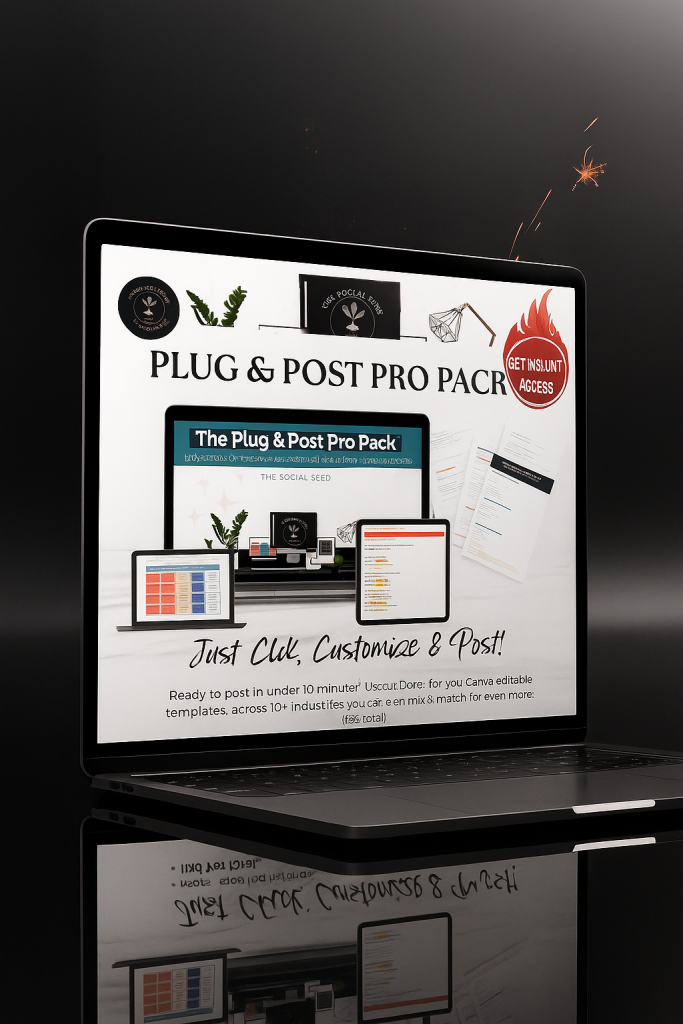
Plug & Post Pro Pack
Content creation in 10 minutes instead of 2 hours.
These templates are proven, tested, and ready to use.
👈 Grab them here
♻️ SECRET CODE #9: ITERATIVE REFINEMENT[Icon:

What It Means: Using conversation to progressively improve ChatGPT's output through multiple rounds of feedback.

You don't accept the first draft—you refine it through follow-up prompts: "Make this shorter," "Add more emotion," "Remove the corporate speak."

Why It Matters: First drafts from AI are rarely perfect. But most people stop there and settle for mediocre. The pros know that prompts 2-5 in a conversation produce the gold.

Refinement is where good becomes great.

The Fix (Your Secret Code):

Refinement Framework:

Prompt 1: Get initial draft

Prompt 2: "Make this [specific improvement]"

Prompt 3: "Now adjust [another element]"

Prompt 4: "Perfect. One more change: [final tweak]"

Real Example:

Prompt 1: "Write a LinkedIn post about why planning beats posting randomly"

[ChatGPT gives decent but generic response]

Prompt 2 (First Refinement): "Good start. Now make it half the length. Cut any sentences that don't directly support the main point."

[ChatGPT tightens it]

Prompt 3 (Second Refinement): "Better. Now remove the question at the end and replace it with a direct statement. Questions feel clickbait-y for my brand."

[ChatGPT adjusts]

Prompt 4 (Final Polish): "Almost there. Change 'random posting' to 'posting blindly' and make the opening line more provocative."

[ChatGPT delivers final version]

Pro Tip: Each refinement prompt should give ONE specific instruction. Multiple changes at once confuse the AI.


⭕ SECRET CODE #10: ZERO-SHOT

What It Means: Asking ChatGPT to do something WITHOUT giving it examples, context, or guidance.

You just describe what you want and hope it understands. It's the opposite of few-shot prompting—and it's much harder for the AI to get right.

Why It Matters: Zero-shot prompts work for simple, common tasks ("Write an email asking for a meeting").

They fail for nuanced, brand-specific, or uncommon requests. Knowing when you CAN use zero-shot vs. when you NEED few-shot saves you frustration.

The Fix (Your Secret Code):

When Zero-Shot Works:

Use zero-shot for:

- Common formats (emails, basic captions)

- Straightforward requests

- Tasks where "generic" is fine

When You Need Few-Shot Instead:

Switch to few-shot when:

- You need a specific voice/style

- The format is unusual

- Generic = bad for your brand

Real Example:

✅ Good Use of Zero-Shot: "Write a professional email declining a meeting request politely"

[This is common, straightforward—zero-shot works fine]

❌ Bad Use of Zero-Shot: "Write social media captions for my brand"

[Too vague, needs examples of YOUR brand voice]

Better Approach (Few-Shot): "Here are 3 examples of my brand captions: [examples]. Now write 5 more in this style."

The Rule: If you'd struggle to explain it to a human without showing examples, ChatGPT will struggle too. Give examples (few-shot) instead.

BONUS: HOW TO COMBINE MULTIPLE CODES

The Ultimate Prompt Structure:

[SYSTEM PROMPT - Code #8]

"Act as a content strategist for small business owners."

[GUARDRAILS - Code #2]

"Keep all responses under 3 sentences unless I ask for more."

[HALLUCINATION PREVENTION - Code #1]

"Only state facts you're certain about. If unsure, say so."

[FEW-SHOT EXAMPLES - Code #7]

"Here are 3 examples of my style: [examples]"

[YOUR ACTUAL REQUEST]

"Now write 5 LinkedIn captions about productivity in this style."

[ITERATIVE REFINEMENT - Code #9]

[Then refine based on output]
[YOUR ACTUAL REQUEST]

This is what the pros know about Chatgpt Secret Codes and how they use.
🎯 YOU'VE GOT THE CODES. NOW GET THE SYSTEM.

You just learned the secret codes. But codes are useless without content.

Here's what you actually need:

📌 NEED HOOKS THAT STOP THE SCROLL?
Grab our 50 Viral Social Media Hooks (FREE) →

🤖 WANT PREFECT POST READY TO USE?
Level up with our Advanced Posting System →

⏱ WANT TO POST BUT HAVE NO TIME? (Canva Editable)
Use our DONE-FOR- YOU- TEMPLATES →

⚡ NON-TECHY WANT LEVEL 5 PROMPTS?
Get our One-Click Content Generator (done in seconds) →

📅 KNOW YOU NEED TO POST BUT HATE THE GRIND?
Our Plug & Post Pro Pack = 30 days of content ready to go →


✅ WANT TO KNOW EXACTLY WHO TO TALK TO & WHAT TO SAY?
Use our Pre-Post Planning Checklist (perfect post every time) →


🔥 READY FOR THE COMPLETE CONTENT SYSTEM?
Grab the Full Bundle (everything you need in one place) →


━━━━━━━━━━━━━━━━━━━━━━━━━━━━━━━━━━━━

⏰ REAL TALK:

You now know more about ChatGPT than 95% of business owners.

But knowing isn't doing.

Grab what you need above. Stop overthinking. Start posting content that actually works.

Your competitors already downloaded these. Don't get left behind.
Your turn. Which of the 10 Chatgpt Secret Codes will you try first?
Leave a Reply