ChatGPT prompts for small business owners are a dime a dozen, right now…
…BUT let me ask you something real quick.
Are you actually getting engagement from your posts…
or just checking the box because you posted? 👀
Because according to recent marketing data, over 60% of small business owners struggle with consistent engagement—not content creation.
And THAT right there is the problem.
Not the tools.
Not the timing.
Not even the algorithm.
👉 It’s what you’re saying.
…
And if nobody’s stopping to read your posts?
Nothing else matters.
⚡ BUT HERE’S WHAT MOST PEOPLE GET WRONG…
They think:
- “I just need more content ideas”
- “I need to post more consistently”
- “I need better tools”
BUT…
None of that works if your message isn’t clear.
And that’s exactly where most people fall off.
📌 Because once you see this, you’ll realize it was never about posting more… it was about posting smarter.
7 ChatGPT Prompts Biz Owners Use to Plan 30 Days of Content Fast
Stop guessing what to post. Copy these prompts, plug in your business, and let ChatGPT do the heavy lifting.
But before you do — here’s what most people skip right over.
These prompts work. But they work so much better when you already know three things: who you’re talking to, what keeps them up at night, and how your business solves that problem. Without that clarity, even the best prompt spits out generic content that blends into the feed.
That’s exactly what the Pre-Post Planning System walks you through before you ever type a single prompt. Think of it as the foundation that makes everything else click into place.
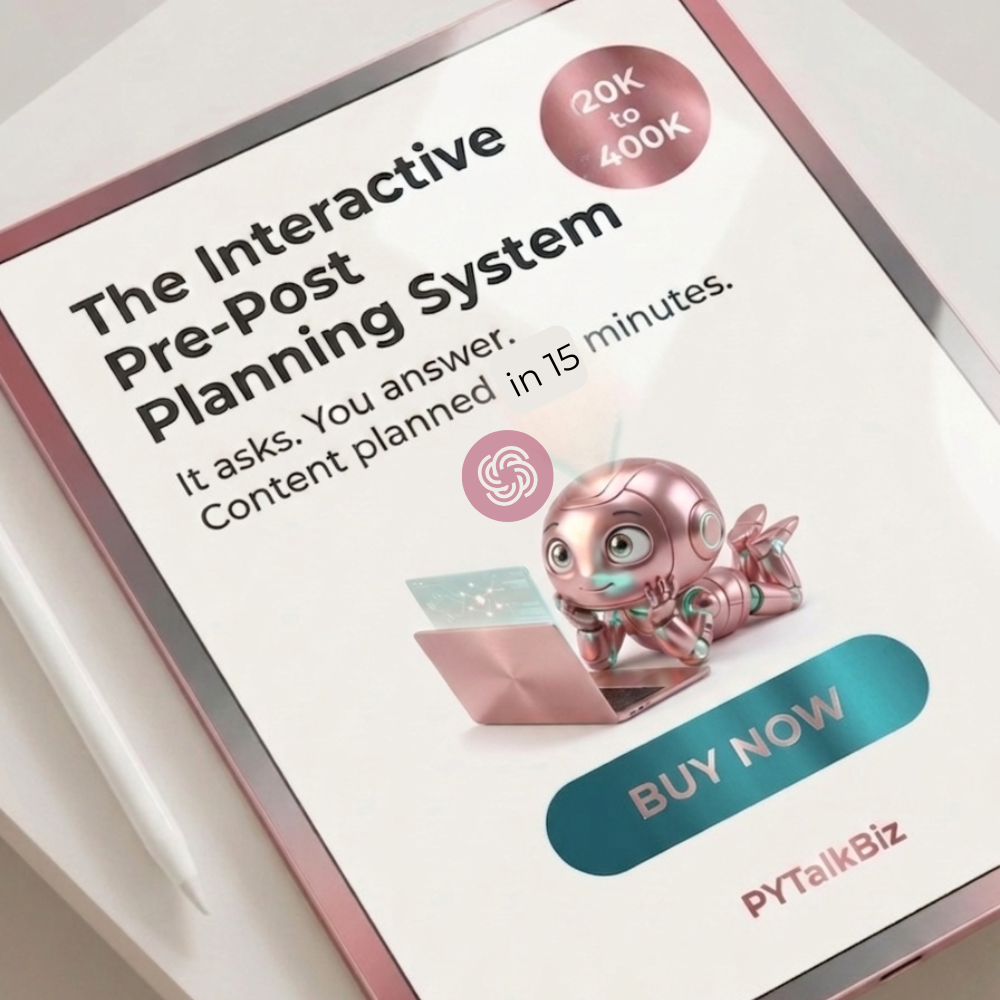
👉 Haven’t grabbed it yet? Go get it first — then come back and run through these prompts. You’ll see a completely different result.
Now let’s get into it. 👇
Prompt 1: Find Your Content Pillars “I run a [type] business serving [your audience]. Give me 5 content pillars I can use for my social media that will attract buyers and build trust.”
Prompt 2: Generate a Month of Post Ideas “Using these 5 pillars [paste them], give me 30 social media post ideas for [month]. Mix tips, stories, questions, and soft sells.”
Prompt 3: Write an Engagement Post “Write an engagement post for [your audience] about [topic]. Start with a scroll-stopping hook, add relatable value, and end with a question that gets comments.”
Prompt 4: Write a Caption in Your Voice “Write a social media caption in a warm, conversational tone for a [type] business owner. Topic: [topic]. Include a hook, 2-3 value points, and a soft CTA.”
Prompt 5: Plan Your Content Calendar “Organize these 30 post ideas into a 4-week content calendar. Show the day, topic, post type, and goal for each post.”
Prompt 6: Write a Sales Post That Doesn’t Feel Pushy “Write a social media post that promotes [your product/service] at $[price]. Make it feel like a helpful recommendation, not a hard sell. End with a friendly CTA.”
Prompt 7: Repurpose One Idea Into Multiple Posts “Take this one idea: [paste idea]. Turn it into 5 different social media posts — one tip, one story, one question, one quote, and one soft sell.”
🧩 How to Use ChatGPT Prompts to Create Better Business Content
Let’s go ahead and get you what you came for.
Yes—you can use ChatGPT prompts to create content faster…
BUT more importantly?
👉 You can use it to create content that actually connects.
✔ Step 1: Start With the Right Prompt (Not Random Ideas)
Most people open ChatGPT and type:
“Give me 10 social media posts…”
😑 And then wonder why the content feels generic.
Instead, try this:
“Give me 5 engagement posts for small business owners struggling with social media content planning.”
Now you’re speaking directly to:
- a specific audience
- a specific problem
- a specific outcome
💥 BIG difference.
✔ Step 2: Focus on Engagement First
Before you worry about selling…
Ask:
👉 “Would I respond to this?”
Because engagement posts for social media are what tell the algorithm:
“This content matters.”
✔ Step 3: Build Around a Simple Content System
Instead of random posting:
Use categories:
- Engagement posts
- Authority posts
- Story posts
- Conversion posts
👉 That’s how you build a real social media marketing business strategy
🎯 Still Posting With No Engagement? Try These ChatGPT Prompts…
They have prompts…
…but no plan.
And THAT is the disconnect.
This is where most small business owners go wrong:
They jump straight into posting…
Without ever planning:
- what they’re saying
- who they’re saying it to
- why it matters
👉 That’s why their content doesn’t convert.
Before you even touch another post…
👉 You need to map out your content FIRST.
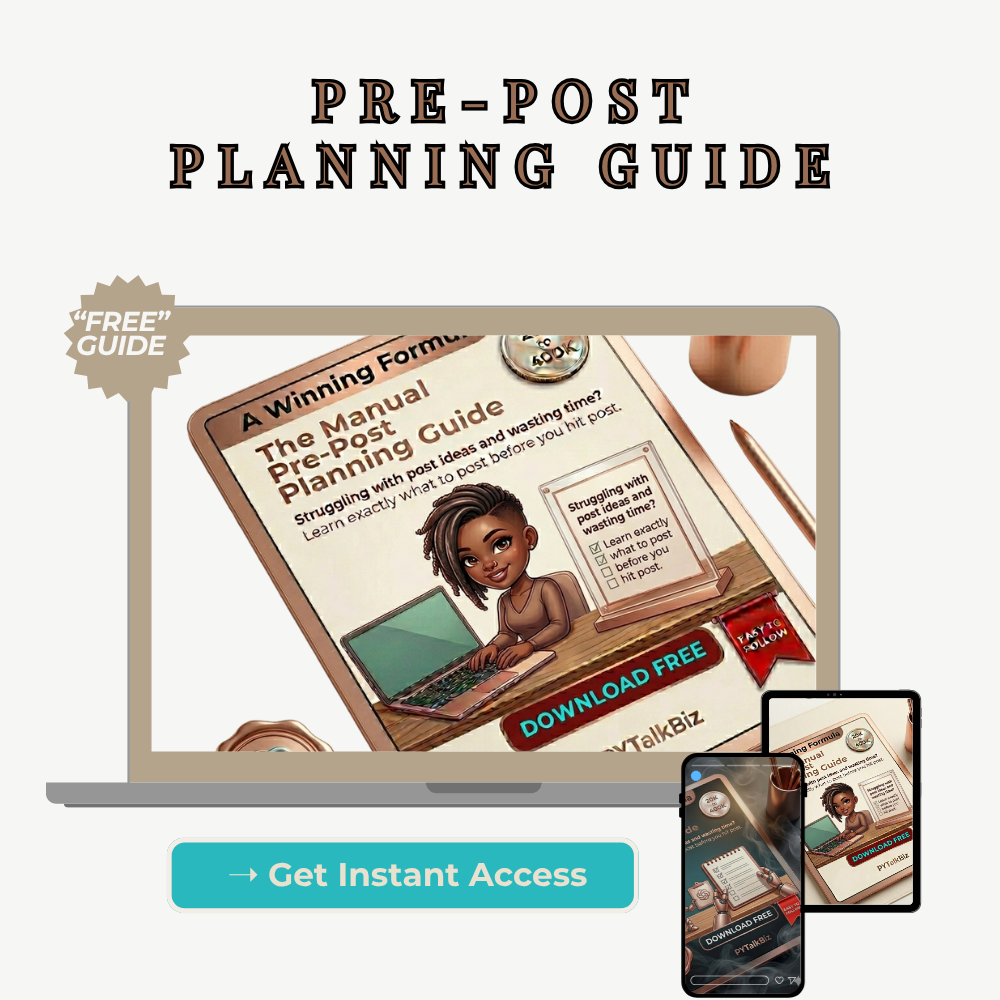
That’s exactly what my Pre-Post Planning Guide (free) helps you do.
It walks you through:
✔ what to say
✔ how to say it
✔ and how to turn simple ideas into content that connects
👉 Grab it here before you keep going… it’ll make everything else click.
🧩 How to Write Captions That Actually Get Engagement
Let’s talk about something real…
Captions.
Because THIS is where most content falls flat.
✔ Instead of This:
“Here are 3 tips to grow your business…”
👉 Try this:
“Let me ask you something…
Why are you posting every day and still getting no engagement?”
👀 See the difference?
✔ Use This Simple Formula:
- Hook (grab attention)
- Relatable problem
- Quick value
- Soft CTA
If your caption doesn’t stop the scroll… nothing else matters.
Not your design.
Not your hashtags.
Not your timing.
👉 Your message is everything.
And this is exactly why having a system matters…
Because once you know:
- what to say
- how to structure it
- how to guide the reader
👉 Content creation gets EASY.
That’s what the pre-post planning system is designed to do—
take the guesswork out so you can just show up and post with confidence.
🧩 How Entrepreneurs Use ChatGPT to Create Content That Actually Converts
Now let’s take it up a notch…
Because this is where most people start working smarter.
✔ What Is Prompt Engineering (Simple Version)
It just means:
👉 Asking better questions = getting better content
✔ Example Upgrade:
Instead of:
“Write a post about marketing”
Try:
“Write a social media post for a small business owner struggling with engagement, using a conversational tone and a strong hook.”
💥 Night and day.
✔ Tools That Can Help
- ChatGPT (obviously 😉)
- CoPilot
- ManyChat (for automation workflows)
👉 These tools don’t replace strategy… they amplify it.
Tools don’t fix bad messaging.
They scale GOOD messaging.
And once you really understand this…
The ChatGPT Content System Solo Business Owners Wish They Found Sooner
👉 That’s when you’re ready to go deeper.
Because having a few prompts is great…
…but having a complete system that walks you step-by-step?
That’s where the real growth happens.
(That’s what the full version of my planner is built for.)
💬 FINAL THOUGHTS
Let me leave you with this…
Because THIS right here changed everything for me.
When I stopped chasing:
- more posts
- more content
- more speed
…and started focusing on:
👉 clarity
👉 intention
👉 strategy
That’s when things shifted.
I’m talking:
- Pins hitting 130K+ views
- Thousands of saves
- Real engagement
And it didn’t come from doing more…
👉 It came from saying the right thing.
💬 Let’s Talk…
What’s been your biggest struggle?
- Not knowing what to post?
- Low engagement?
- Staying consistent?
Drop it in the comments 👇
Or connect with me on Pinterest and ask me there.
And if this helped you…
👉 Save it
👉 Share it
👉 Send it to someone who needs it
📅 YOUR 7-DAY ACTION PLAN
If you do NOTHING else… do this:
Day 1–2:
Brain dump content ideas
Day 3:
Use ChatGPT prompts to refine them
Day 4:
Write 3–5 posts
Day 5:
Plan your content calendar
Day 6:
Schedule or prep posts
Day 7:
Review and adjust
👉 MOST IMPORTANT STEP:
Before all of that…
Get your messaging clear.
That’s why the Pre-Post Planning Guide is step one.
Everything else depends on it.
🎯 FINAL WORD
I hope this helped you simplify your process and feel more confident using ChatGPT prompts for small business owners.
Leave a Reply