Okay, I Have to Be Honest with You.
I did not realize it was happening at first. ChatGPT was stringing me along and I was falling for it every single time.
Here is what I mean. Every time I asked it something, it would give me a great response — genuinely helpful, well written, exactly what I needed.
And then right at the end it would drop one of those little one-liners. Something like ‘want me to show you how to apply this to your specific niche?’ or ‘I can turn this into a full content plan if you want.’ And I would click. Every. Single. Time.
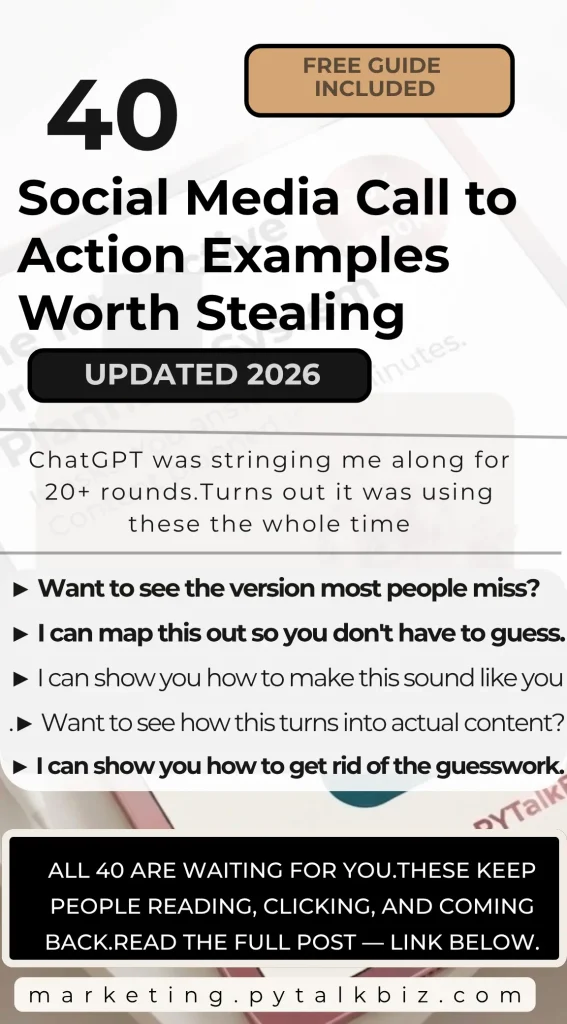
I am not exaggerating it. I probably went back and forth on one thread over 20 times because it kept pulling me deeper.
And then it hit me. These little lines are sentence starters. Social media call to action examples. And they work because they create just enough curiosity to make you want what comes next.
But here is the thing — before any of this works, you need one thing in place first.
You can have the best CTAs in the world, but if your content is not aimed at the right person, you are just creating noise. The Interactive Pre-Post Planning System helps you set up that foundation so every CTA you use lands on the right audience and actually converts.
Make everything you just learned actually work. Get the Interactive Pre-Post Planning System.
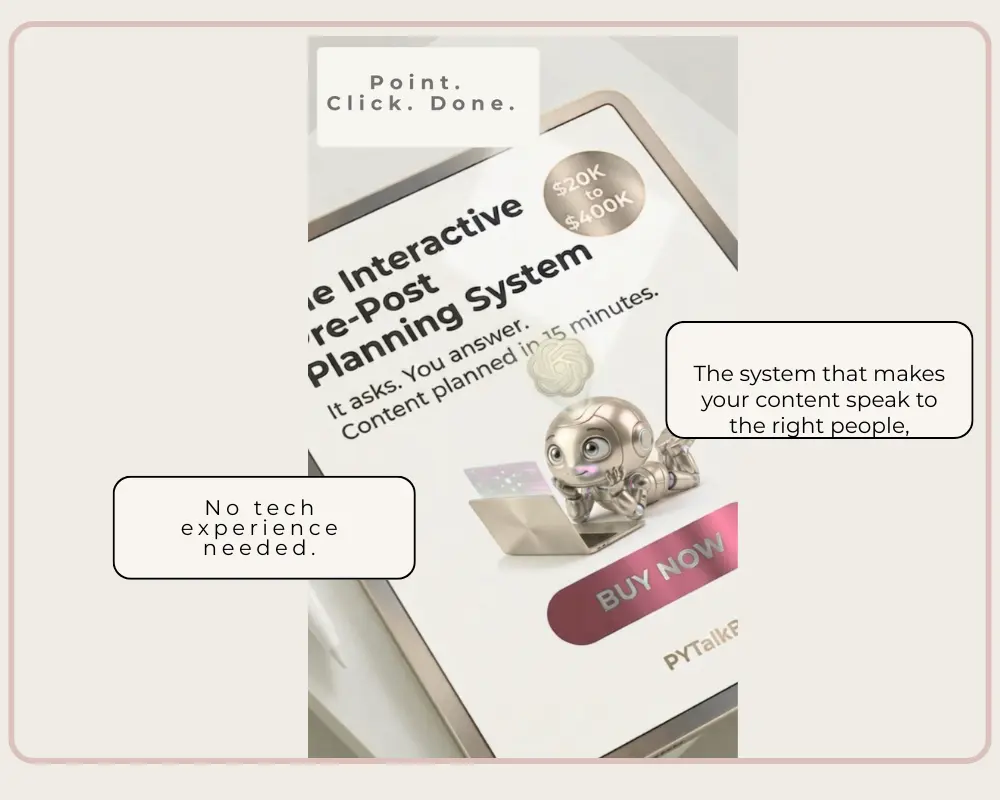
This is the system that makes your content speak to the right people, in the right way, at the right time. Built for experienced business owners who are serious about results. Not tech people. Business people.
Click here to get the system →
So, I pulled 40 of the exact lines ChatGPT used on me. And I am giving them all to you below.
But stay with me for just a second longer because what I am about to tell you next is the part most people skip — and it is the reason everything else either works or does not.
Here Is What Nobody Tells You About CTAs — and Why This Changes Everything.
These only work when you are talking to the right people. You can get a thousand people to stay on your page forever, but if they are not your people, none of it turns into sales. It just creates noise.
The trick to making these work is knowing who you are talking to before you use them. That starts with your pre-post planning. Once that is in place, these 40 examples become a serious weapon. Without it, they are just pretty words.
Okay. Now let us get into it.
40 Social Media Call to Action Examples to Copy
These are the exact sentence starters ChatGPT used to keep me coming back. Use them at the end of your posts, pins, captions, emails, or anywhere you want someone to take the next step.
Set 1 — Create Curiosity About What Comes Next
1. If you want next…
I can tailor 10 of these specifically for your free guide to your paid product flow so they line up perfectly with your funnel.
2. Want to see how to turn this into 10 variations fast?
3. I can break this down into a simple step-by-step you can follow.
4. If you are ready, I will show you how to make this work in real time.
5. Want the exact setup I use behind the scenes?
Set 2 — Remove the Overwhelm
6. I can map this out, so you do not have to guess anything.
7. If you want to go deeper, I will show you how to apply this to your niche.
8. I can turn this into a full system you can reuse over and over.
9. Want to see what this looks like when it is fully built out?
10. I can simplify this into something you can implement today.
Set 3 — Make It Feel Exclusive
11. If this makes sense, I will show you the faster way to do it.
12. I can show you how to get better results with less effort.
13. Want to see the version most people miss?
14. I can walk you through how to set this up properly.
15. If you want better output, I will show you what to change first.
Set 4 — Address the Fear of Getting It Wrong
16. I can show you how to avoid the mistakes most people make here.
17. Want to see how this turns into actual content?
18. I can break this into a plug-and-play system for you.
19. If you are curious, I will show you what this looks like in action.
20. I can show you how to make this consistent, not random.
Set 5 — Speed and Efficiency
21. If you want to speed this up, I will show you the shortcut.
22. I can help you turn this into something repeatable.
23. Want to see how to scale this without doing more work?
24. I can show you how to connect this to your content system.
25. If you want, I will show you the exact framework I use.
Set 6 — Make It Personal
26. I can show you how to make this sound like you every time.
27. Want to see how this fits into your overall strategy?
28. I can show you how to turn this into multiple pieces of content.
29. If you want better results, I will show you what most people skip.
30. I can show you how to get rid of the guesswork completely.
Set 7 — Build the Next Step
31. Want me to build this out for your next post?
32. I can show you how to turn this into a full content plan.
33. If you want, I will show you how to apply this step-by-step.
34. I can show you how to make this work faster and smoother.
35. Want to see how to use this with AI the right way?
Set 8 — The Best of the Best
36. I can show you how to set this up once and reuse it forever.
37. If you want, I will show you how to turn this into a system.
38. I can show you how to get better results without overthinking it.
39. Want to see how this actually performs when used correctly?
40. I can show you how to make this easier than it looks.
💡 PRO TIP
Pick one extender per post. Just one. The goal is to create curiosity about one next step — not overwhelm your reader with options. The simpler the ask, the more people click.
You have the 40. Now here is what makes them actually work.
Make everything you just learned actually work. Get the FREE Pre-Post Planning Guide.
These extenders pull people in — but only when your content is already speaking to the right person. The free Pre-Post Planning Guide shows you how to set that up so every piece of content you create has a clear target and a clear purpose.
One More Thing Before You Go.
If you have ever gotten a weird answer from ChatGPT — or worse, posted something it wrote that turned out to be completely wrong — there is a good chance you ran into one of these situations without knowing what it was called.
Here are 20 AI terms every small business owner should know. Not because you need to become a tech person. But because once you know what this means, you will use ChatGPT completely differently. And your results will show it.
If You Do Not Know These Terms, ChatGPT Cannot Give You Its Best Work.
Seriously. Read through these once. By the time you get to the end, the way you talk to ChatGPT will already be different.
20 AI Terms Every Small Business Owner Should Know
1. Prompt
What it means: The question or instruction you type into ChatGPT. Think of it like giving directions to a GPS — the better your directions, the better it gets you where you want to go.
Try this: Instead of ‘write a post,’ try ‘write a 3-sentence Instagram post for a small business owner about why planning content saves time.’
2. Hallucination
What it means: When ChatGPT makes something up and presents it as fact. It sounds completely confident, but the information is wrong. This happens when it does not have enough context.
Try this: Always fact-check statistics, dates, or specific claims ChatGPT gives you before publishing anything.
3. Context Window
What it means: How much of the conversation ChatGPT can remember at one time. It is like short-term memory. If your conversation gets too long, it starts to forget what you said at the beginning.
Try this: For long projects, start a fresh chat and paste in your key details at the top so it always has context.
4. Temperature
What it means: A setting that controls how creative or predictable ChatGPT is. High temperature means more creative and surprising. Low temperature means more focused and consistent.
Try this: For factual content, ask ChatGPT to ‘be precise and stick to facts.’ For creative content, ask it to ‘be imaginative and unexpected.’
5. System Prompt
What it means: Instructions you give ChatGPT at the very beginning of a conversation to set its role, tone, and behavior. It is like giving a new employee their job description before they start.
Try this: Try starting with: ‘You are a friendly marketing assistant who writes conversational content for experienced small business owners.’
6. Token
What it means: The unit ChatGPT uses to measure text. One token is roughly four characters. It matters because there is a limit to how many tokens fit in one conversation.
Try this: If ChatGPT cuts off mid-answer, your conversation may be too long. Start fresh and be more concise.
7. Prompt Engineering
What it means: The skill of writing really good prompts that get really good results. It is not about coding — it is about knowing how to communicate clearly with AI.
Try this: Include your goal, your audience, the format you want, and the tone. That is basically the whole formula.
8. Zero-Shot Prompt
What it means: Asking ChatGPT to do something without giving it any examples. You just describe what you want, and it figures it out.
Try this: ‘Write a caption for a small business owner promoting a digital product’ no examples needed, just a clear instruction.
9. Few-Shot Prompt
What it means: Giving ChatGPT one or two examples of what you want before asking it to create something. This helps it match your style much more closely.
Try this: Paste in two of your best captions and say, ‘write five more captions that sound exactly like these.’
10. Chain of Thought
What it means: When you ask ChatGPT to think through something step by step before giving you an answer. It produces much better reasoning and more accurate results.
Try this: Add ‘think through this step by step before answering’ to any complex question and watch how much the quality improves.
11. Iteration
What it means: Refining and improving ChatGPT’s output by going back and forth. You do not have to accept the first draft — keep asking it to adjust until it is right.
Try this: ‘Make this shorter.’ ‘Make it sound more casual.’ ‘Add a question at the end.’ Each round gets you closer to perfect.
12. Role Prompting
What it means: Telling ChatGPT to act as a specific type of expert before asking your question. It changes how it approaches and answers the prompt.
Try this: ‘Act as a Pinterest marketing strategist and tell me the best type of content to post for a small business selling digital products.’
13. Output Format
What it means: Telling ChatGPT exactly how you want the answer structured — as a list, a paragraph, a table, a script, bullet points, etc.
Try this: Add ‘give me this as a numbered list’ or ‘write this as a short paragraph I can copy and paste’ to get exactly what you need.
14. Regenerate
What it means: Asking ChatGPT to try again with a new version of the same response. Every time it regenerates it gives you something slightly different.
Try this: If the first answer is not right, regenerate two or three times before rewriting your prompt. Sometimes it just needs another try.
15. Guardrails
What it means: The built-in limits ChatGPT has around certain topics it will not engage with. These are set by the platform and cannot be removed.
Try this: If ChatGPT declines to help with something, reframe your request or approach it from a different angle.
16. Multimodal
What it means: When an AI can work with more than just text — like images, audio, or documents. ChatGPT with vision can read images and PDFs, not just words.
Try this: Upload a screenshot of your website or a competitor’s pin and ask ChatGPT to analyze what is working about it.
17. Fine-Tuning
What it means: Training an AI model on specific data so it gets really good at a particular task or style. Most business owners do not need this — a good system prompt gets you 90% of the way there.
Try this: Instead of fine-tuning, build a detailed system prompt that captures your voice, audience, and brand. Same result, no tech needed.
18. Conversational Memory
What it means: ChatGPT’s ability to remember what was said earlier in the same conversation. It does not carry memory between separate conversations unless you use the memory feature.
Try this: At the start of each new chat, paste in your business overview so ChatGPT always knows who it is working with.
19. Latency
What it means: How long it takes ChatGPT to respond to your prompt. Longer, more complex prompts take more time to process.
Try this: If you are in a hurry, break big requests into smaller ones. You will get faster, more focused answers.
20. Engagement Bait
What it means: Content designed specifically to get reactions, comments, or saves — often by asking questions, sparking debate, or creating curiosity. Strategic engagement bait drives real conversations.
Try this: End a post with a question your audience actually wants to answer. Instead of ‘what do you think?’ try ‘which one of these sounds most like you?’
💡 PRO TIP
The fastest way to get better answers from ChatGPT is to stop asking general questions and start giving it specific context. Who you are, who you serve, what you want the content to do. That is it. Those three things change everything.
Here Is the Part That Ties All of This Together.
You now have 40 conversation extenders that keep people engaged. You have 20 AI terms that make you a smarter, more intentional ChatGPT user. But here is the honest truth — none of this works at full power until your content is aimed at the right person.
I have watched business owners use the best hooks, the cleverest CTAs, and the most strategic prompts — and still get nothing. Not because the content was bad. Because it was talking to the wrong audience. Getting a thousand people to stay on your page means nothing if they are never going to buy.
The fix is not complicated. But it has to happen first. Before the post. Before the prompt. Before any of these 40 extenders go to work for you.
That is exactly what the Interactive Pre-Post Planning System was built to do. It walks you through identifying who your content needs to speak to, what they need to hear, and how to set up your planning so every piece of content you create is aimed at the person most likely to take action.
It is interactive. It asks the questions. You answer. And in about 15 minutes you have a content plan that is specific, strategic, and built around the people who are actually going to buy from you.
This is not just another content tool. It is the foundation that makes every other tool — including every single one of those 40 extenders — actually work.
Make everything you just learned actually work. Get the Interactive Pre-Post Planning System.
This is the system that makes your content speak to the right people, in the right way, at the right time. Built for experienced business owners who are serious about results. Not tech skills required.
Questions? Come find me at marketing.pytalkbiz.com — I would love to hear how these work for you.
40 Social Media Call to Action Examples Worth Stealing … great for any niche…
Leave a Reply