🤖 ChatGPT for social media content has everybody out here trying to crank out 30 days of posts like it’s some kind of race…
… I get it, you’re wondering how to create a social media content calendar using ChatGPT, like the other gazillion marketers, but no worries, we have a secret for you.
The trick is knowing exactly what to ask ChatGPT — and in what order. Work fast, stay consistent, and finally see some real engagement.
⚡ But here’s what nobody’s telling you…
30 days of content doesn’t have to mean 30 random posts. And if your social media strategy isn’t working now, creating more content won’t fix it.
So before you go chasing “100 posts in 10 minutes” or “30 posts in one click” — yeah, we’re not doing that over here. 😄
What actually moves the needle isn’t speed — it’s social media content planning with intention. When you understand what to post, how to create engagement posts, and how to use ChatGPT prompts the right way… everything changes.
📌 “Because once you see this, you’ll realize it was never about posting more… it was about posting smarter.”
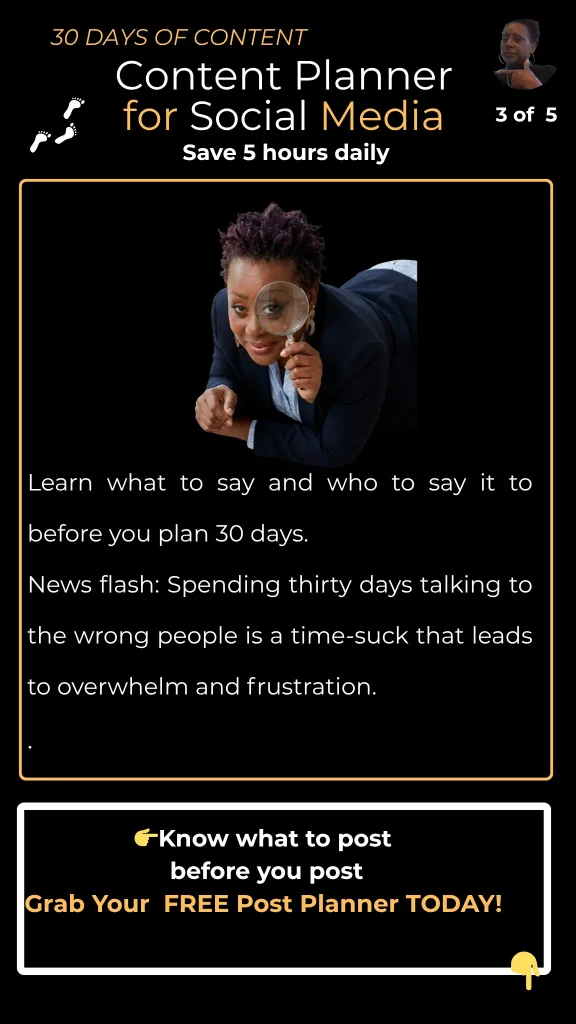
🧩 How to Create a 30-Day Social Media Content Calendar Using ChatGPT
Let’s get you what you came for — because yes, you can create a full 30-day content calendar using ChatGPT… but we’re going to do it the smart way.
✅ Step 1: Choose 3–4 Content Types (Your Content Buckets)
Instead of guessing what to post every day, you rotate between:
- Engagement posts (questions, opinions)
- Content creation tips (tips, quick wins)
- Story-based posts (real-life examples)
- Offer or authority posts (what you do)
| 👉 Example Weekly Rotation: Monday → Engagement post Wednesday → Tip Friday → Story |
✅ Step 2: Use ChatGPT Prompts to Generate Ideas
Plug this into ChatGPT:
| “Give me 10 engagement post ideas for small business owners struggling with social media content planning.” |
Do that for each category… and boom — you’ve got 30+ ideas ready to go.
✅ Step 3: Map It Into a 30-Day Calendar (NOT 30 Random Posts)
This is where most people mess up. You’re not creating 30 separate posts — you’re creating a system that flows.
| 📅 4-Week Content Framework: Week 1 → Awareness Week 2 → Engagement Week 3 → Authority Week 4 → Conversion |
🔥 But here’s what most people miss…
Creating 30 days of content is one thing. Creating content that actually gets engagement is something else. That’s where most small business owners get stuck.
👉 That’s exactly why I put together a simple Pre-Post Planning Guide (free) that shows you what to say before you ever hit publish — so your content actually connects. Grab it and follow along (it’ll make everything below make WAY more sense). Click here for the FREE GUIDE
Why Posting 30 Days Straight Won’t Fix Your Engagement
Let’s keep it real…
You can post 30 days straight and still get:
- ❌ No engagement
- ❌ No reach
- ❌ No results
Why? Because weak content kills your social media strategy fast.
✔ The algorithm doesn’t reward volume… it rewards engagement and relevance.
| Person A: Posts 30 days straight with random content → crickets Person B: Posts 3x/week with intentional engagement posts → grows 🏆 Person B wins every time. Their audience responds. Their content gets pushed. Their visibility grows. |
So What Should You Do Instead?
Stop focusing on ’30 posts.’ Start focusing on:
- ✔ What to post on social media
- ✔ Creating engagement posts for social media
- ✔ Knowing what prompts to feed ChatGPT for the best results
That’s how you increase engagement AND productivity at the same time.
A Smarter Way to Plan 30 Days of Content (Without Burnout)
HERE’S THE SHIFT:
✔ You don’t need 30 posts. You need a 30-day content plan. Big difference.
| ❌ Instead of: 30 random posts → low engagement ✅ Do this: → 12 strategic posts (3x per week) → Built from strong content creation ideas → Designed for engagement That’s 48 posts over 4 months — ALL working together. 💪 |
✅ Add Automation (Optional Upgrade)
Once you have your content calendar, layer in simple automation tools like scheduling platforms or workflow tools (like IFTTT). Now you’re not just creating content — you’re running a system.
And THIS is where most people wish they had a system already built. Knowing what to post is one thing — knowing how to plan it, structure it, and make it convert is another.
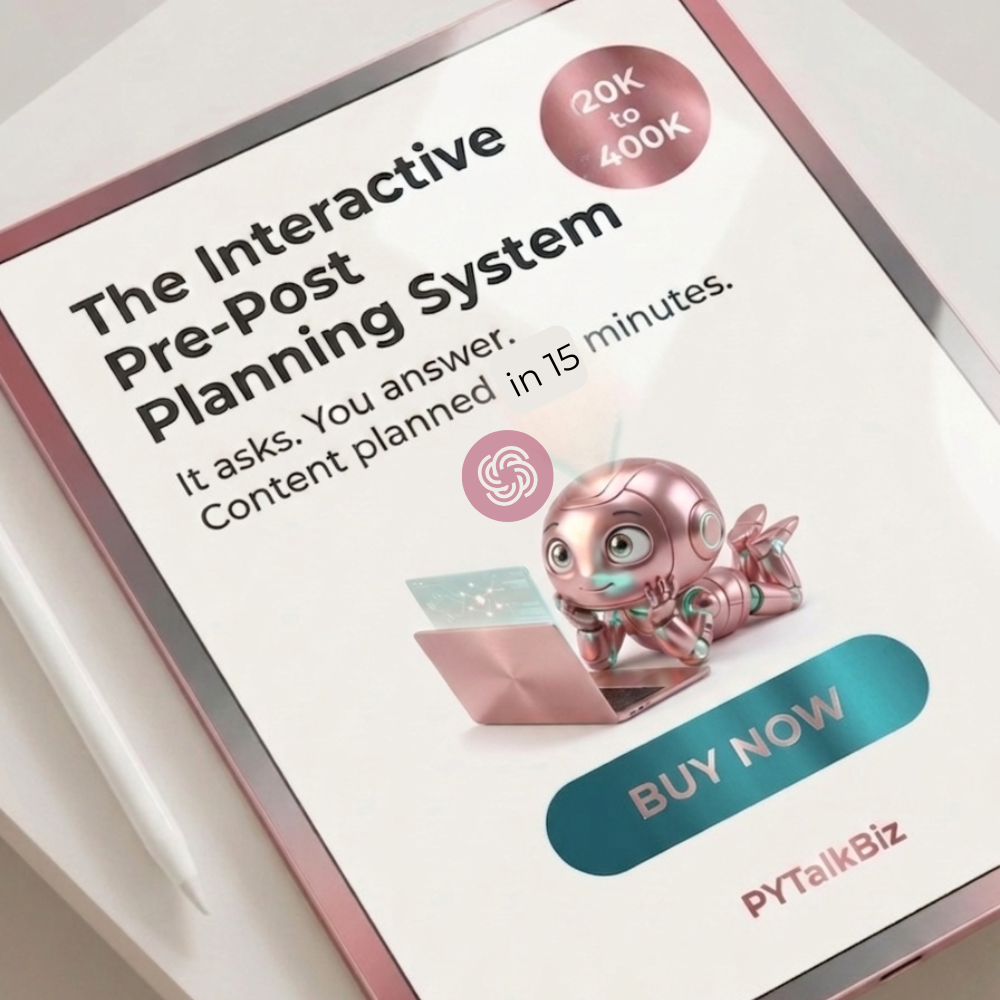
That’s why I created the Pre-Post Planning System — grab the free version and start mapping your content the right way. CLICK HERE NOW
💬 ChatGPT Prompts for Social Media That Actually Get Engagement
Once you understand what to say, creating social media content becomes 10x easier. This is where most small business owners get stuck — they’re not lacking ideas. They’re lacking direction.
Think of ChatGPT like a content assistant — but only if you give it the right instructions.
🔥 5 High-Engagement ChatGPT Prompts (Use These Today)
1. Engagement Post Prompt — Start Conversations
| “Give me 5 engagement post ideas for small business owners struggling with social media content planning. Make them conversational and thought-provoking.” Example output: “What’s harder for you — coming up with content ideas or actually posting consistently?” |
💡 Why this works: Engagement posts tell the algorithm, ‘Hey — people are interacting with this!’
2. ‘What to Post’ Prompt — When You’re Stuck
| “Give me 10 content creation ideas for a small business owner who wants to grow using social media but feels overwhelmed.” |
👉 Use this when you’re staring at the screen like: ‘Okay… now what?’ 😩
3. Authority Post Prompt — Position Yourself as the Expert
| “Turn this tip into a short social media post that educates and builds trust: [insert your tip].” Example: Instead of: “Be consistent on social media” You get: “If you’re posting every day but getting no engagement, consistency isn’t your problem — strategy is.” |
💥 THAT’S the difference.
4. Story-Based Prompt — Relatable = Shareable
| “Write a short story-style post about a small business owner struggling with content creation and how they figured out a better system.” |
👉 These hit because people see themselves in the story.
5. Conversion Prompt — Soft Sell Without Feeling Salesy
| “Write a social media post that highlights a common problem [insert pain point] and introduces a simple solution without sounding pushy.” |
👉 This is how you move from: Posting → to → getting leads.
⚡ Quick Reality Check
You can have all the ChatGPT prompts in the world — but if you don’t know what message you’re trying to send, you’re still going to feel stuck. That’s why some people say ‘ChatGPT doesn’t work.’ No — they just didn’t give it direction.
Before you ever use ChatGPT prompts, you need to know:
- Who you’re talking to
- What you want them to feel
- What action you want them to take
👉 That’s exactly what my Pre-Post Planning System walks you through — step by step. Grab the free guide and plug these prompts into a system that actually works.
Final Thoughts: This Is What Changed Everything for Me
When I stopped chasing speed… and started focusing on clarity, intention, and strategy — that’s when my content started working.
| 📌 Real results from posting smarter: ✔ Pins hitting over 130K views ✔ Thousands of saves ✔ Real engagement from real people And it didn’t come from posting more. |
It came from knowing:
- What to say
- Who I was talking to
- How to plan my content before I ever hit publish
So if you’ve been feeling like: “I’m posting… but nothing’s happening…”
👉 It’s not you. It’s the lack of a clear plan. And now you have one. 🎉
💬 Let’s Keep This Going
I’d love to hear from you — what’s been your biggest struggle with creating social media content? Is it:
- Not knowing what to post on social media?
- Struggling with engagement?
- Or just staying consistent?
Drop your answer in the comments below 👇 Or connect with me on Pinterest — I’m always checking in and responding.
💡 And if this helped you, save it, share it, or send it to another small business owner who needs it.
Leave a Reply